| Report Generator | Search Help Desk |
| Logical If |
Category
Logical and FlowDescription
The Logical If component acts as a logical if; it can have the <if> Then, <if> Elseif, and <if> Else components as its subcomponents. This component executes its subcomponents when the given workspace expression is true. It displays a specified string when it has no subcomponents. There are three ways to use this component.if
then
or
if
    then
else
or
if
    then
elseif
elseif
.
.
.
else
For an explanation of how the above cases execute, see the introduction to Logical and Flow Components at the beginning of this section.
Attributes
This is the Logical If attribute page.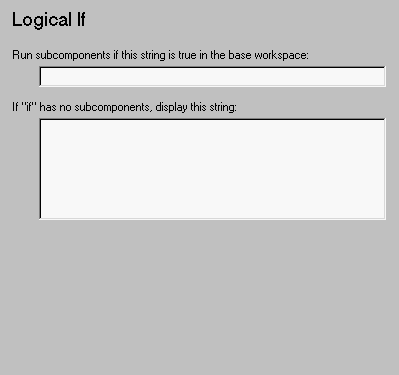 Note:
Note:
Insert anything into report?
Depends on attributes.Filename
cloif