| Report Generator | Search Help Desk |
| <if> Then |
Category
Logical and FlowDescription
The <if> Then component acts as athen when it is the child of the Logical If component. There are three ways to use this component:
if
    then
or
if
    then
    else
or
if
    then
    elseif
    elseif
       .
       .
       .
    else
For an explanation of how the above cases execute, see the introduction to Logical and Flow Components at the beginning of this section.
Attributes
This is the <if> Then attribute page.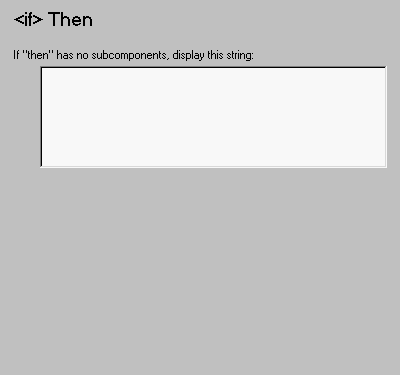 Note:
Note:
Insert anything into report?
Yes, only when parentif statement is true.
Filename
clothen