| Using Simulink | Search Help Desk |
The Icon Page
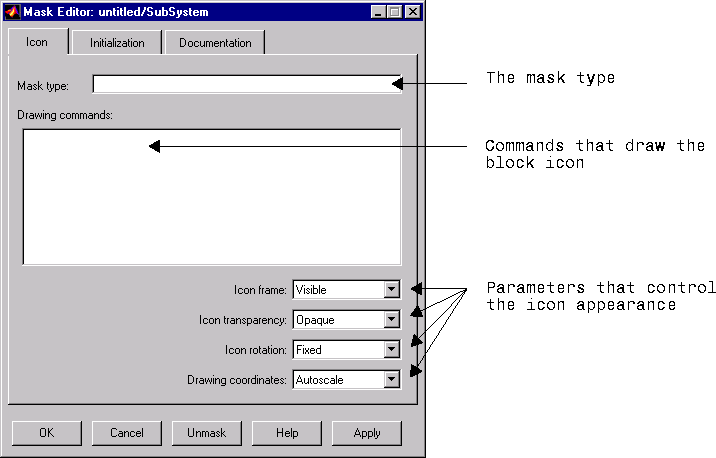
The Icon page enables you to customize the masked block's icon. You create a custom icon by specifying commands in the Drawing commands field. You can create icons that show descriptive text, state equations, images, and graphics. This figure shows the Icon page.