| Using Stateflow | Search Help Desk |
Installing Stateflow
Your platform-specific MATLAB Installation Guide provides essentially all of the information you need to install Stateflow. Prior to installing Stateflow, you must obtain a License File or Personal License Password from The MathWorks. The License File or Personal License Password identifies the products you are permitted to install and use. As the installation process proceeds, a screen similar to this, where you can indicate which products to install, is displayed.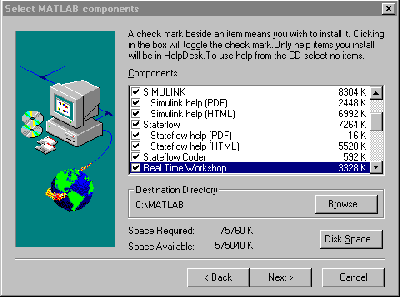
http://www.mathworks.com). Look for the license manager and installation information under the Tech Notes/FAQ link under Tech Support Info.
System Requirements