Adding Events to the Data Dictionary
You can use either the Stateflow editor or Explorer to add events that are visible everywhere in a chart. You must use the Stateflow Explorer to add events that are visible everywhere in a state machine or only in a particular state.
Using the Stateflow Editor
To use the Stateflow editor to add an event:
- 1
- Select the event's scope (see "Event Properties") from the Event
submenu of the Stateflow editor's Add menu.
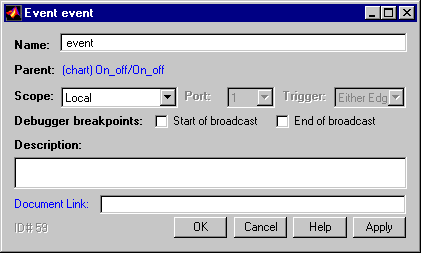
- Stateflow adds a default definition of the new event to the Stateflow data
dictionary and displays the Event dialog.
- 2
- Use the Event dialog to set the new event's properties to reflect its intended
usage (see "Setting Event Properties").
Using the Explorer
To use the Stateflow Explorer to define an event:
- 1
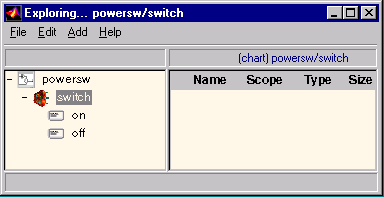
- Select Explore from the Stateflow editor's Tools menu.
- Stateflow opens the Explorer.
- 2
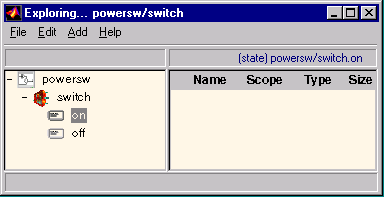
- Select the object (state machine, chart, or state) in the Explorer's object
hierarchy pane where you want the new event to be visible.
- 3
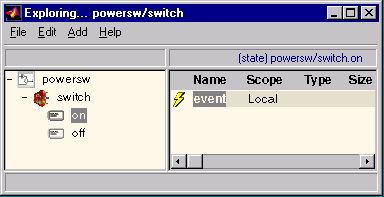
- Select Event from the Explorer's Add menu.
- Stateflow adds a default definition for the new event in the data dictionary
and displays an entry for the new event in the Explorer's content pane.
- 4
- Set the new event's properties to values that reflect its intended usage (see
"Setting Event Properties").
[ Previous | Help Desk | Next ]