| Using Simulink | Search Help Desk |
Simulink Windows
Simulink uses separate windows to display a block library browser, a block library, a model, and graphical (scope) simulation output. These windows are not MATLAB figure windows and cannot be manipulated using Handle Graphics® commands. Simulink windows are sized to accommodate the most common screen resolutions available. If you have a monitor with exceptionally high or low resolution, you may find the window sizes too small or too large. If this is the case, resize the window and save the model to preserve the new window dimensions.Status Bar
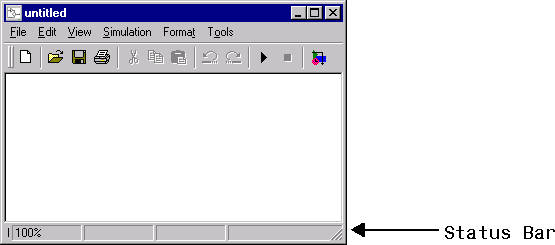
The Windows version of Simulink displays a status bar at the bottom of each model and library window.