| Using Simulink | Search Help Desk |
Creating a Model Change History
Simulink allows you to create and store a record of changes to a model in the model itself. Simulink compiles the history automatically from comments that you or other users enter when they save changes to a model.Logging Changes
To start a change history, select the "Prompt for Comments When Save" option from the History pane on the Simulink Model Properties dialog box. The next time you save the model, Simulink displays a Log Change dialog box.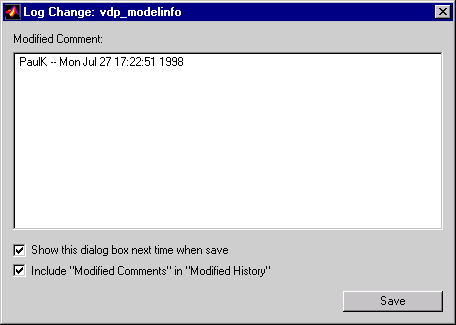
Editing the Change History
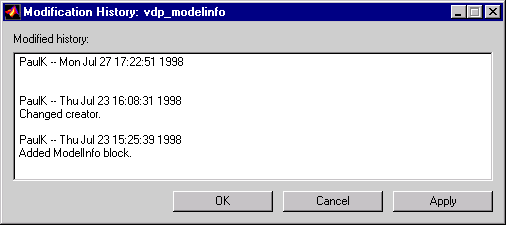
To edit the change history for a model, click the Edit button on the Simulink Model Properties dialog box. Simulink displays the model's history in a Modification History dialog box.