| Using Simulink | Search Help Desk |
Drawing a Line Segment
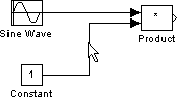
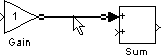
You may want to draw a line with segments exactly where you want them instead of where Simulink draws them. Or, you might want to draw a line before you copy the block to which the line is connected. You can do either by drawing line segments. To draw a line segment, you draw a line that ends in an unoccupied area of the diagram. An arrow appears on the unconnected end of the line. To add another line segment, position the cursor over the end of the segment and draw another segment. Simulink draws the segments as horizontal and vertical lines. To draw diagonal line segments, hold down the Shift key while you draw the lines.Moving a Line Segment
To move a line segment, follow these steps: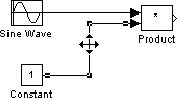
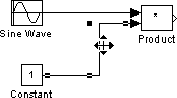
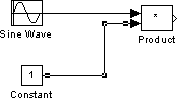
Dividing a Line into Segments
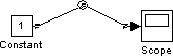
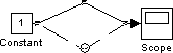
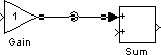
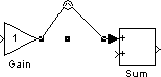
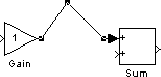
You can divide a line segment into two segments, leaving the ends of the line in their original locations. Simulink creates line segments and a vertex that joins them. To divide a line into segments, follow these steps: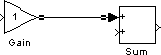
Moving a Line Vertex
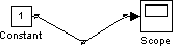
To move a vertex of a line, follow these steps: