| Report Generator | Search Help Desk |
| Text |
Category
FormattingDescription
The Text component inserts and formats text into your report. The text component should have the Paragraph component as its parent.Attributes
This is the Text attribute page.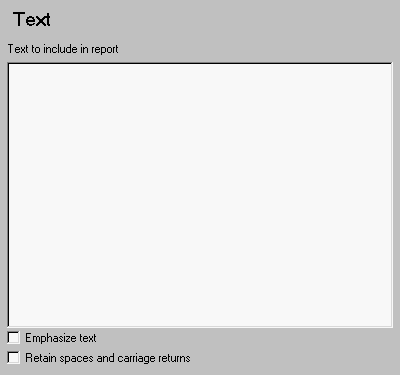 Note:
Note:
%<VariableName> Notation
You can enter%<VariableName> in this field (and in any field where the text appears blue) to include the value of a variable from the MATLAB workspace. You cannot enter more than one variable in the %<>. If you enter an invalid variable name, then the report will contain %<VariableName> instead of the value of the variable.
Example 1
If you enter the following:I have a %<ObjName> and it has %<NumLeaves> leaves. The word '%<ObjName>' has %<size(ObjName)> letters.and if
ObjName='plant' and NumLeaves=3 in the MATLAB workspace,
then the report will contain the following:
I have a plant and it has 3 leaves. The word 'plant' has 5 letters.
Example 2
If you enter the following:%<help('peaks')>
then the report will contain the text that you get when you type help peaks at the command line.
Insert anything into report?
Yes. Text.Filename
cfrtext