| Report Generator | Search Help Desk |
| Signal Loop |
Category
SimulinkDescription
The Signal Loop component runs its subcomponents for each signal contained in the current system, model, or block.Attributes
This is the Signal Loop attribute page.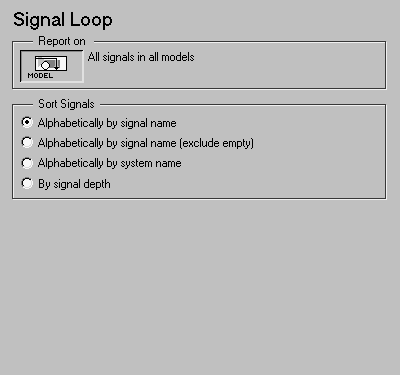 Note:
Note:
Report On
This context-sensitive frame describes what the system loop is operating on:Sort Signals
Use this section to select how the signals are sorted:Insert anything into report?
No.Filename
csl_sig_loop