 symbol to the left of the name to expand the hierarchical list and display the Simulink libraries within the browser.
| DSP Blockset | Search Help Desk |
Starting Simulink
To start Simulink, click the icon in the MATLAB toolbar, or type
simulinkat the command line.
Simulink on PC Platforms
On PC platforms, the Simulink Library Browser opens when you launch Simulink. The Library Browser contains a list of all of the blocksets that you currently have installed.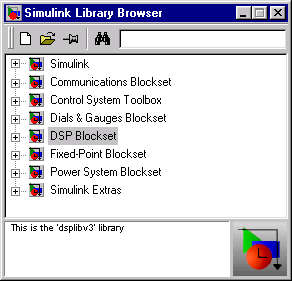
The first item in the list is the Simulink blockset itself. Right-click the Simulink name to open the blockset window, or click the symbol to the left of the name to expand the hierarchical list and display the Simulink libraries within the browser.
Simulink on UNIX Platforms
On UNIX platforms, the Simulink window (below) opens immediately when you launch Simulink.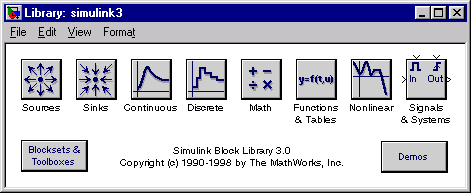
The Simulink Libraries
The eight libraries in the Simulink window contain all of the basic elements you need to construct a model. You should look here for basic math operations, switches, connectors, simulation control elements, and other items that do not have a specific DSP orientation. To create a new model, select New from the Simulink File menu. Then simply drag a block from one of the Simulink libraries into the new model window to begin building a system.