Labeling Individual Axes
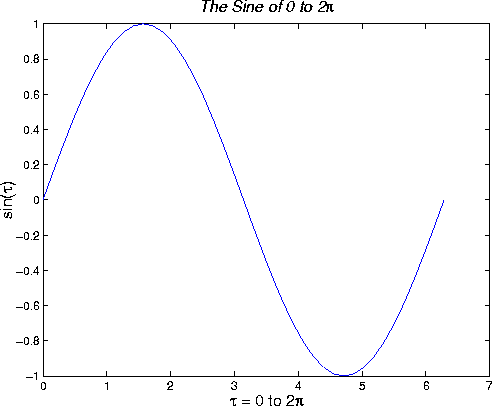
You can add x-, y-, and z-axis labels using the xlabel, ylabel, and zlabel commands. For example, these statements label the axes and add a title.
xlabel('t = 0 to 2\pi','FontSize',16)
ylabel('sin(t)','FontSize',16)
title('\it{Value of the Sine from Zero to Two
Pi}','FontSize',16)
The labeling commands automatically position the text string appropriately. MATLAB interprets the characters immediately following the backslash "\" as TeX commands. These commands draw symbols such as Greek letters and arrows. See the text String property for a list of TeX character sequences.
[ Previous | Help Desk | Next ]