| MATLAB Environment | Search Help Desk |
Editing Arrays
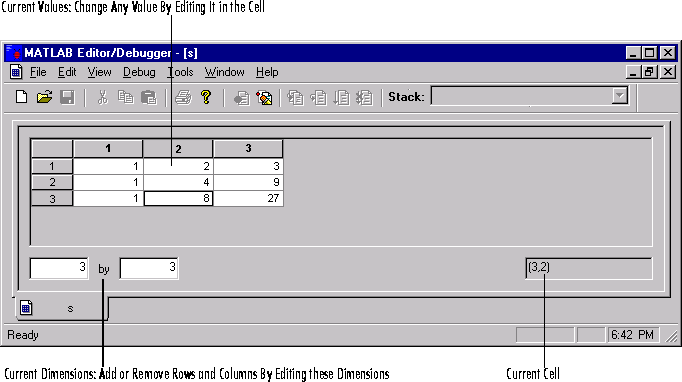
The MATLAB Editor/Debugger provides a visual representation of two-dimensional numeric arrays, which allows for easy editing. Select a variable's icon in the Workspace Browser and click Open, or double-click the icon to see and edit a graphical representation of a variable. The variable is displayed in the Editor/Debugger window, where you can edit it. You can only use this feature with numeric arrays.