
ArcReader is a free, easy-to-use desktop mapping application that allows users to view, explore, and print maps and globes. ArcReader is a great way to deliver interactive mapping capabilities that access a wide variety of dynamic geographic information. Using ArcReader, anyone can view high-quality maps created using the ArcGIS Publisher extension.
GIS Deployment
- View, navigate, and print published ArcGIS maps using ArcReader (.pmf files).
- Deploy your GIS data—share and deliver interactive maps based on dynamic content.
- Offer novices and professionals alike a way to view and query your published maps.
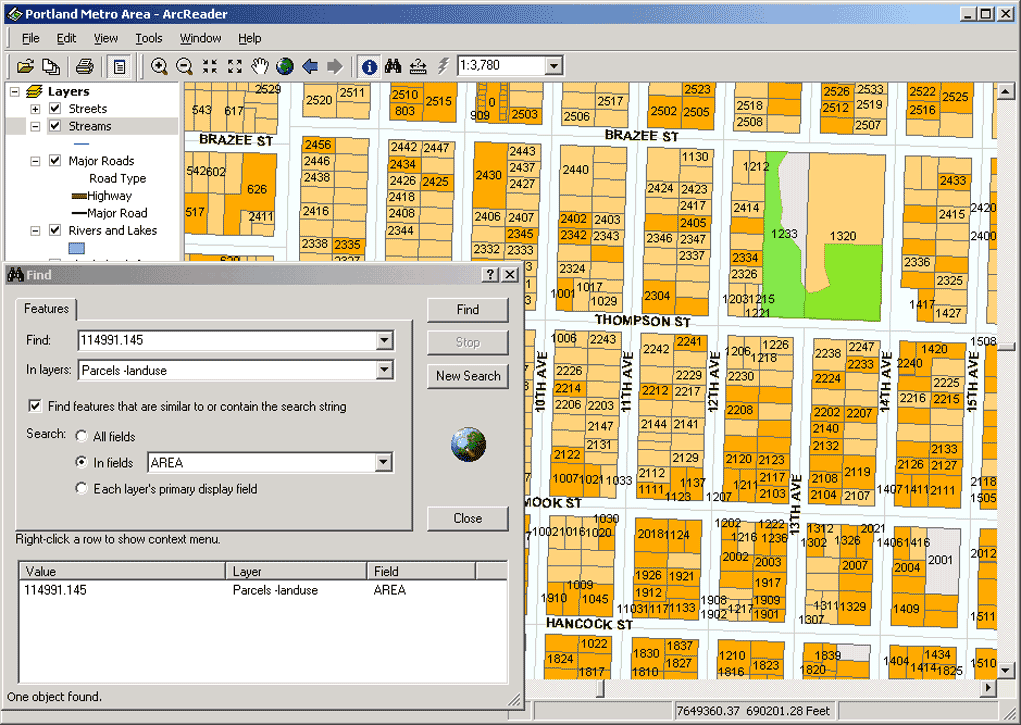 Map Viewing and Navigation
- Perform basic map navigation such as zooming and panning and switching between map and page layout view.
- Communicate more efficiently with the ability to graphically mark up maps.
- Utilize ArcWeb Services in ArcReader including route, nearby place, and address finding.
Data Query and Exploration
- Use ArcReader tools such as Find and Identify to explore a variety of geographic data including raster and vector data.
- Use tools such as Identify, Find, Measure, Hyperlink, and Magnifier Window to discover information not available when working with static paper maps.
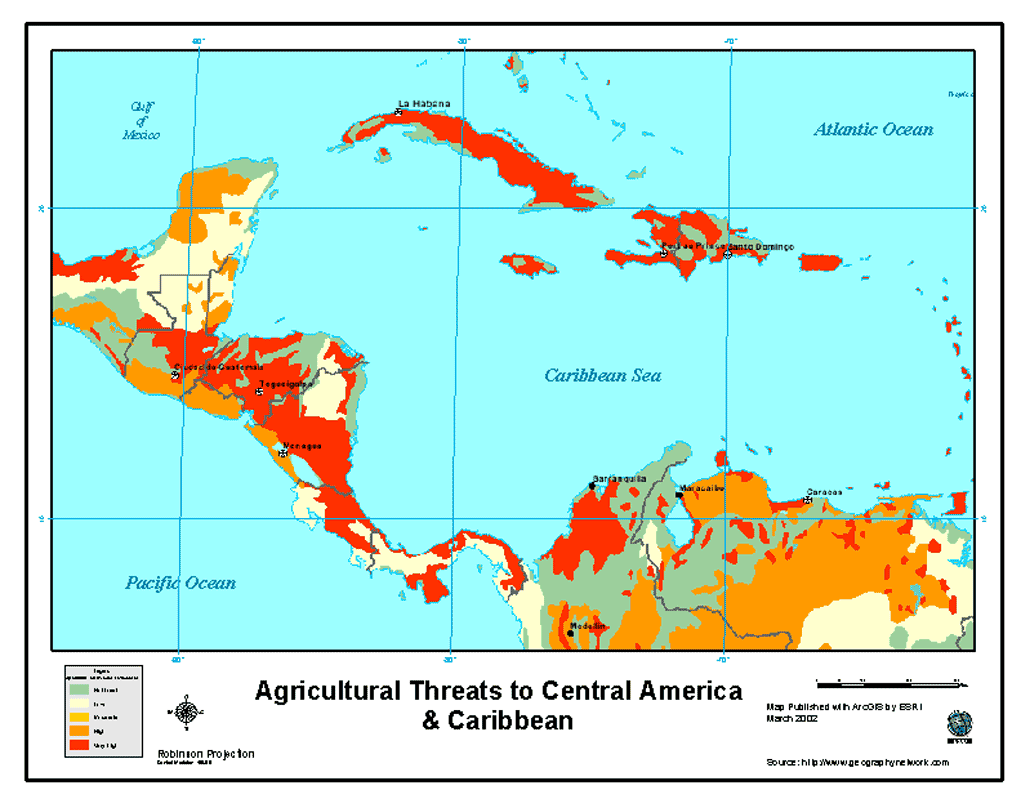 Map Printing
- Print published map documents and published globe documents including all layer symbology and cartographic map elements on any supported printer.
Configurable and Customizable
- Using the ArcGIS Publisher wizard, you can control the appearance of the ArcReader application when it opens a map.
- Create custom ArcReader applications or embed ArcReader capabilities into existing applications using the ArcGIS Publisher developer controls. See the PublisherControls Library Overview on the EDN Web site.