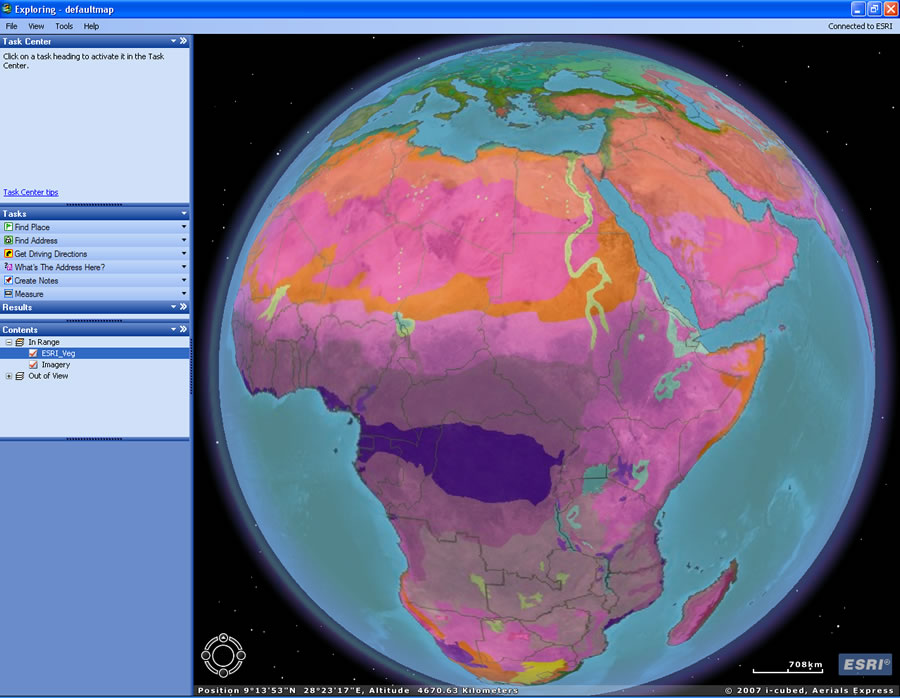
Key Features of ArcGIS Explorer
Access freely
available mapping services.
- Access 2D and 3D mapping services from ArcGIS Server, ArcIMS,
and Open Geospatial Consortium (OGC) WMS
- Add local data such as geodatabases, shapefiles, KML/KMZ,
GPX, and raster formats (JPEG 2000, GeoTIFF, MrSID). See
a demo of adding GPX data to ArcGIS Explorer.
- Connect to free ESRI-hosted ArcGIS
Online Services (satellite imagery for the entire world,
worldwide streets, terrain, boundaries and labels, political maps, and
physiography).
- Answer geographic questions and share the answers with
others.
- Perform GIS analysis (such as visibility, direction finding,
and proximity search).
- Add custom tasks to manage, edit, and analyze your data.
Author tasks using ArcGIS Desktop and serve them to ArcGIS Explorer via
ArcGIS Server.
- Connect to GeoRSS feeds. See
a demo.
- E-mail your projects directly from the application. See
a demo.
- Customize your map display (symbology, pop up windows, layer
transparency, sun shading, clouds, graticules).
- Use the free downloadable SDK to extend default tasks or
create new ones.
- Connect to the online Resource Center for
a one-stop place to access online help, blogs, and samples, as well as
free tasks, layers, and results.