Using Stateflow     Search    Help Desk 

Defining Input Data

Stateflow allows a model to supply data to a chart via input ports on the chart's block. Such data is called input data. To define an item of input data, add a default item to the Stateflow data dictionary as a child of the chart that will input the data. Set the new item's Scope to Input from Simulink. Stateflow adds an input port to a chart for each item of input data that you define for the chart.
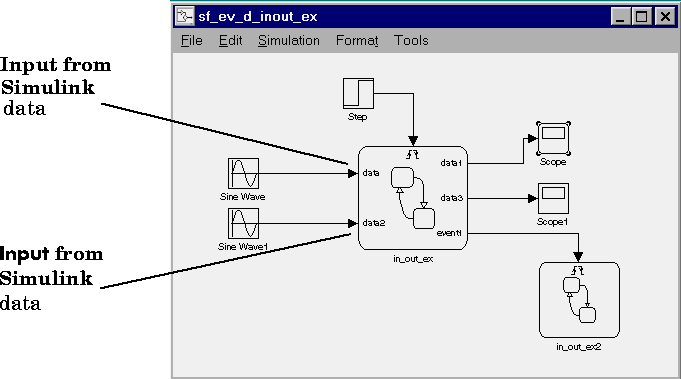

Set the item's other properties (e.g., Name, Type, etc.) to appropriate values. Simulink blocks can input only scalar or vector data of type Double. You can set an input item's data type to any Stateflow-supported type. If necessary, Stateflow converts the input value to the specified type. If the input item is a vector, the model must supply the data via a signal vector connected to the corresponding input port on the chart.


[ Previous | Help Desk | Next ]