| Using Stateflow | Search Help Desk |
Printing a Stateflow Book
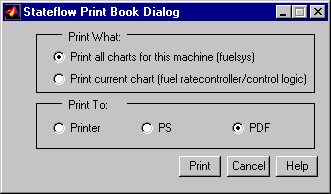
A Stateflow book is a report that documents all the elements of a Stateflow chart, including states, transitions, junctions, events, and data. You can generate a book documenting a specific chart or all charts in a model. To generate a Stateflow book: