| Using Simulink | Search Help Desk |
Creating the Block Icon
So far, we have created a customized dialog box for themx + b subsystem. However, the Subsystem block still displays the generic Simulink subsystem icon. An appropriate icon for this masked block is a plot that indicates the slope of the line. For a slope of 3, that icon looks like this. The block icon is defined on the Icon page. For this block, the Icon page looks like this.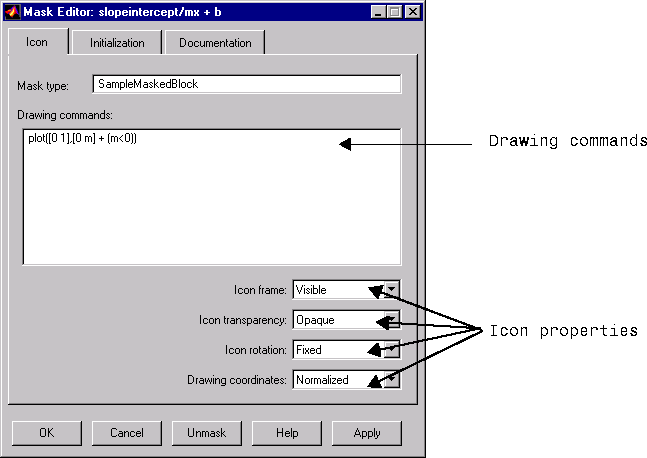
(0,0) to (0,m). If the slope is negative, Simulink shifts the line up by 1 to keep it within the visible drawing area of the block.
The drawing commands have access to all of the variables in the mask workspace. As you enter different values of slope, the icon updates the slope of the plotted line.
Select Normalized as the Drawing coordinates parameter, located at the bottom of the list of icon properties, to specify that the icon be drawn in a frame whose bottom-left corner is (0,0) and whose top-right corner is (1,1). This parameter is described later in this chapter.