hidem HideObject
| Mapping Toolbox | Search Help Desk |
| hidem | See Also |
Activation
| Command Line |
Maptool |
hidem |
ToolsHideObject |
Description
hidem brings up a Select Object dialog box for selecting mapped objects to hide (Visible property set to 'off').
Controls
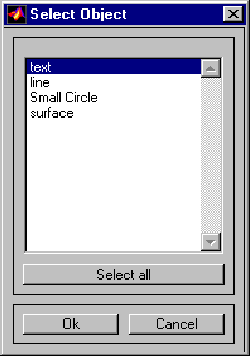 The scroll box is used to select the desired objects from the list of mapped objects. Pushing the Select all button highlights all objects in the scroll box for selection. Pushing the Ok button changes the
 Visible property of the selected objects to 'off'. Pushing the Cancel button aborts the operation without changing any properties of the selected objects.
See Also
hidem