Display Summary
You can invoke the display summary by typing the name of the device object at the command line. The information displayed reflects many of the core properties described on "Controlling Output Behavior with Properties", and is designed so you can quickly evaluate the status of your data acquisition session. The displayed information is divided into two sections:
General summary information includes the device name, the sampling rate, the acquisition duration, the trigger type, the engine status (whether it is logging data, waiting for a trigger, etc.), the number of samples queued in the engine, and the number of samples output since starting. Channel information includes the hardware channel mapping, the channel name, and property values related to engineering units.
The display summary for the example on page 5-13 is shown below.
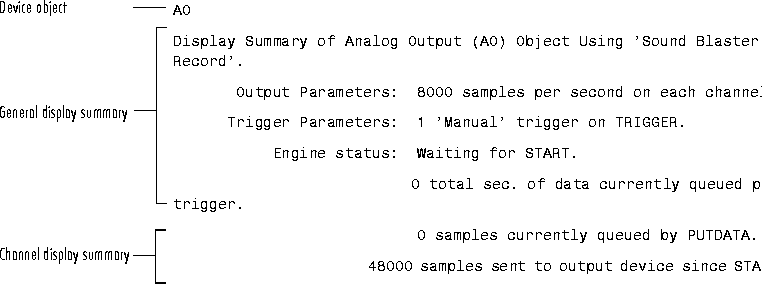
The device object and channel information reflects the acquisition status after the queued samples were output.
If you want to display only the channel summary information, you must use the Channel property.
[ Previous | Help Desk | Next ]