| Upgrading from MATLAB 4 to MATLAB 5.0 | Search Help Desk |
New Platform-Specific Features
Microsoft Windows
Path Browser
The Path Browser lets you view and modify the MATLAB search path. All changes take effect in MATLAB immediately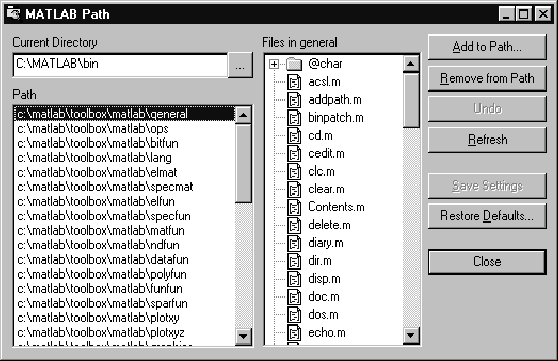
Workspace Browser
The Workspace Browser lets you view the contents of the current MATLAB workspace. It provides a graphical representation of the traditionalwhos output. In addition, you can clear workspace variables and rename them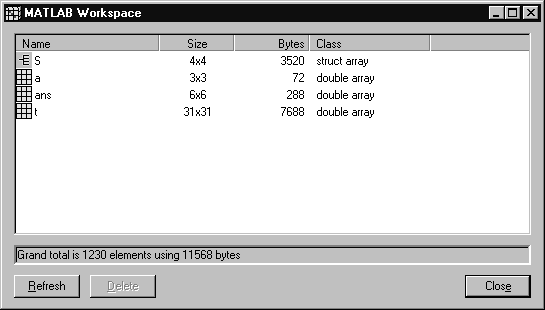
M-File Editor/Debugger
The graphical M-file editor/debugger allows you to set breakpoints and single-step through M-code. The M-file editor/debugger starts automatically when a breakpoint is hit. When MATLAB is installed, this program becomes the default editor.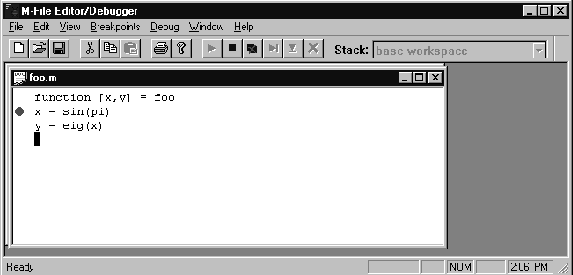
Command Window Toolbar
There is now a toolbar for the Command Window (you can choose whether or not to display it). The toolbar provides single-click access to several commonly used operations.
New Dialog Boxes
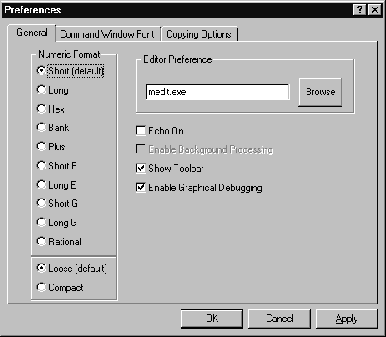
New Preferences dialog boxes are accessible through the File menu. Some of these were previously available through the Options menu in MATLAB 4. There are three categories of preferences:16-bit Stereo Sound
MATLAB 5.0 supports 16-bit stereo sound on the Windows platform.UNIX Workstations
Figure Window Toolbar
The MATLAB 5.0 Figure window provided a toolbar with a File pull-down menu. Selecting the Print option on the File menu activates a set of push buttons that allows easy setting of the most frequently used print options.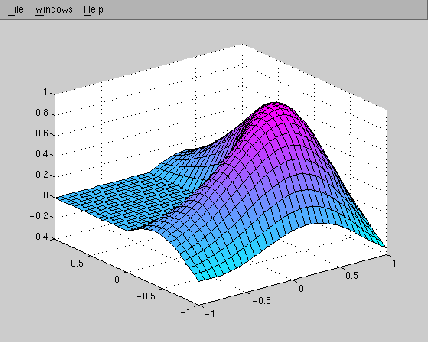
Path Editor
Thepathedit command displays a GUI that allows you to view and modify your MATLAB search path.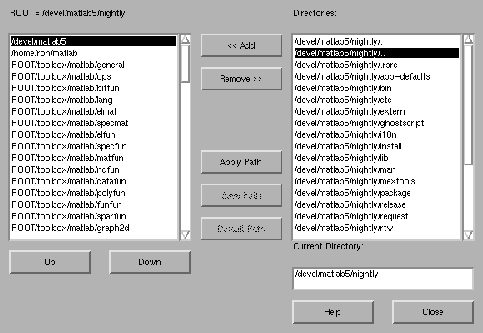
Simplified Installation Procedure
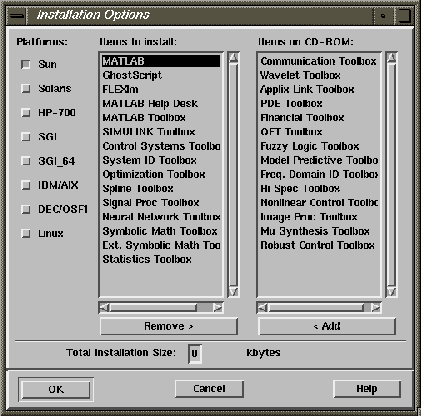
The MATLAB 5.0 installation procedure uses a GUI to select or deselect products and platforms.